
Laptop Fault Diagnostic & Laptop Repair
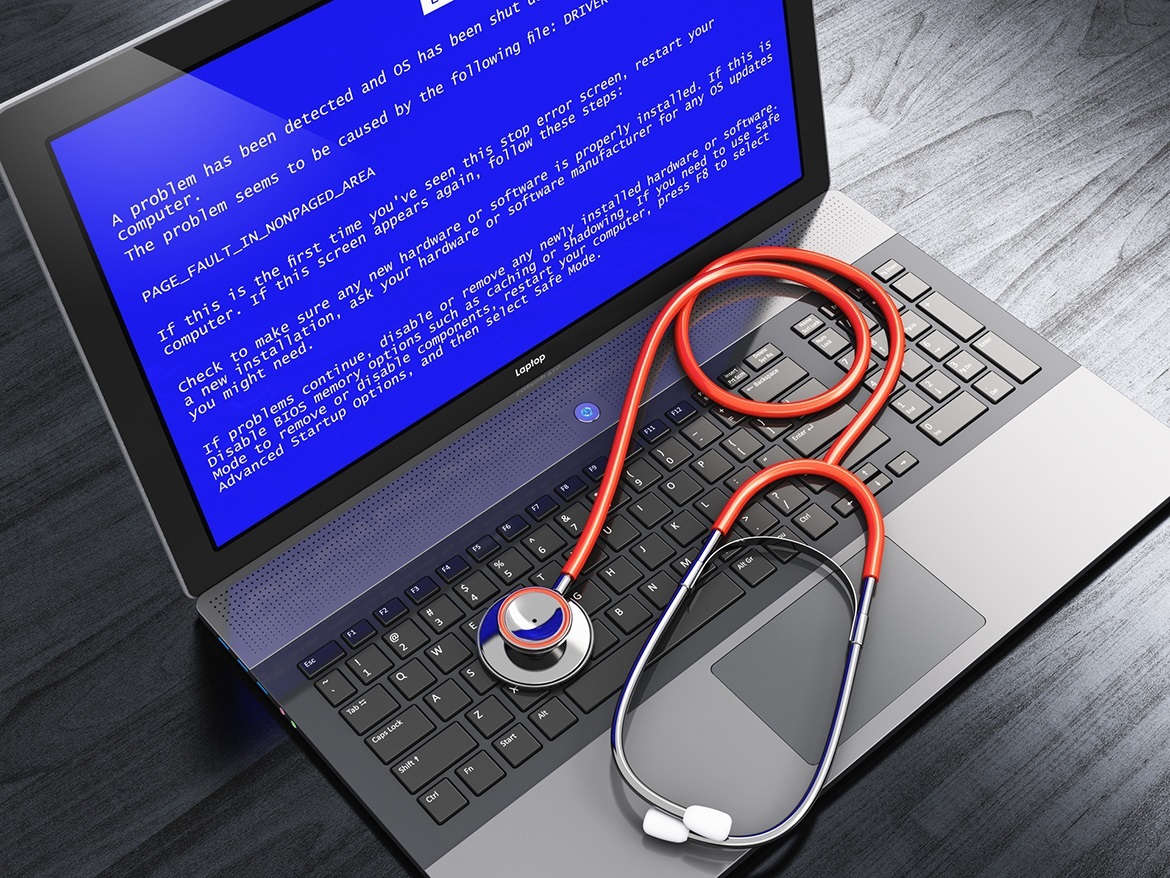
Laptop Fault Diagnostic & Laptop Repair
AvailableNot sure what is wrong with your laptop or PC? Our thorough fault diagnostic covers hardware and software from top to bottom — memory, storage, processor, cooling, charging system, and operating system. You receive a clear written report of findings and, where a fault is identified, a no-obligation repair quote. The diagnostic fee is also deducted from any subsequent repair cost.
How It Works
Visual Inspection. We begin with a physical examination — checking for signs of liquid damage, impact, corrosion, loose ports, or heat stress — to identify any obvious externally-visible causes before running diagnostic software.
Boot & POST Test. We power on the device and observe the POST process, checking BIOS/UEFI for hardware errors, boot order issues, and any failed components reported at startup.
RAM Testing. Memory modules are tested to detect faulty cells, address errors, and intermittent faults that cause random crashes, blue screens, or kernel panics.
Storage & Drive Health. SMART diagnostics assess drive health, check for bad sectors, and estimate remaining lifespan. Storage failure is one of the most common causes of sluggish performance and instability.
CPU & GPU Stress Test. The processor and graphics unit are placed under controlled load to identify throttling, overheating, or instability caused by failing cooling or degraded thermal paste.
Charging System Check. Where applicable, the charging port, charging board, and power delivery circuitry are tested for faults contributing to the problem.
Software & OS Assessment. Where the operating system is accessible, we check for software-related causes including malware, corrupted system files, and driver conflicts.
Written Report & Quote. You receive a clear summary of findings. Where faults are identified, a no-obligation repair quote is provided before any further work proceeds.
Frequently Asked Questions
Do you fix the problem during the diagnostic?
No — the diagnostic is investigative only. If a fault is found and you would like it repaired, we provide a separate quote. You are never obligated to proceed with a repair.
Does the diagnostic fee count toward a repair?
Yes. If you proceed with a repair following the diagnostic, the diagnostic fee is deducted from the repair cost.
What if nothing is found?
Intermittent faults do not always present during testing. If nothing definitive is found, we will explain what was checked, flag any borderline results, and advise on monitoring going forward. The fee still applies, as the skilled testing time has a cost whether or not a specific fault is identified.
Will you wipe my data?
No. The diagnostic process does not alter or delete any of your files. We recommend keeping a current backup as a precaution before any technical work.
Do you work on desktop PCs as well as laptops?
Yes. We can diagnose faults on both laptops and desktop PCs. Please mention the type and general specification of the machine when booking.
How long does it take?
The diagnostic takes approximately 45–60 minutes of active testing time. If there is a waiting list, we will provide an expected turnaround when you book.
Do I need to bring the charger?
Yes, please bring your charger where possible. Testing the charging system and battery accurately requires the original or a compatible charger.
How much does a laptop repair cost?
Laptop repair prices start from £39.99. Don't forget, your diagnostic fee is taken from the repair price, so in total your diagnostic and repair fee could be as little as £39.99. for more difficult repairs, the labour cost is £39.99 per hour. And replacement parts or consumables used in the repair are charged in addition to the hourly fee. An estimate will be provided before work begins.
Why Choose a Professional Service?
Accurate fault diagnosis requires the right tools — and the experience to interpret results correctly. Common pitfalls of DIY diagnosis include:
Misdiagnosis leads to money spent replacing the wrong component
Intermittent faults require extended monitoring to catch — not a quick software scan
Hardware-level testing of charging systems and display controllers cannot be done with software tools alone
A professional diagnostic gives you certainty about what the problem is — and what it is not — before you spend anything on a repair.